

Getting Started with SiteOps
SiteOps is a materials inventory and procurement management system designed specifically for SME construction businesses. It helps every member of the team — from business owners and purchasing staff to on-site foremen — collaborate quickly and accurately.
3 Ways to Access SiteOps
Section titled “3 Ways to Access SiteOps”SiteOps works across 3 interfaces, each tailored to a different role.
| Interface | Best for | Key features |
|---|---|---|
| Web (Office) | Owners, Purchasing staff | Manage stock, create PR/PO, view reports |
| Mobile app (coming soon) | Foremen, Site teams | Withdraw materials, receive goods, stocktake |
| LINE | All approvers | Receive and act on PR/PO approval cards instantly |
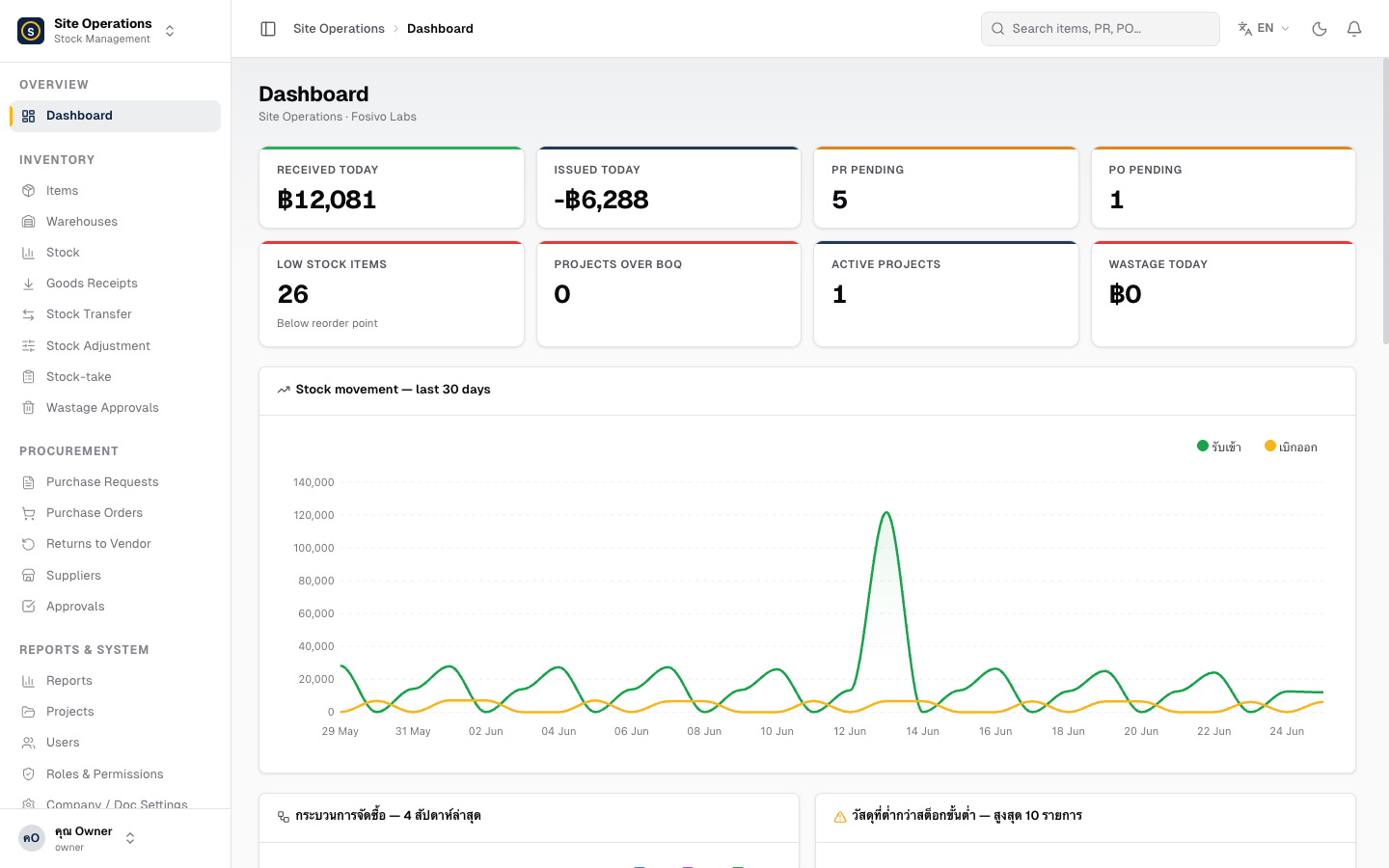
Main Menu Sections
Section titled “Main Menu Sections”The system is organized into clearly defined categories.
Stock & Warehouse
- Items · Warehouses · Stock
- Goods Receipt (GR) · Transfer · Adjustment · Stocktake · Wastage
Procurement
- Purchase Requests (PR) · Purchase Orders (PO) · Return to Vendor (RTV)
- Suppliers · Approvals
Data & Administration
- Reports · Projects · Users · Settings
Procurement Flow at a Glance
Section titled “Procurement Flow at a Glance”Create PR → Approve via LINE → Issue PO → Receive goods (GR) → (if needed) RTV