

Purchase Requests (PR)
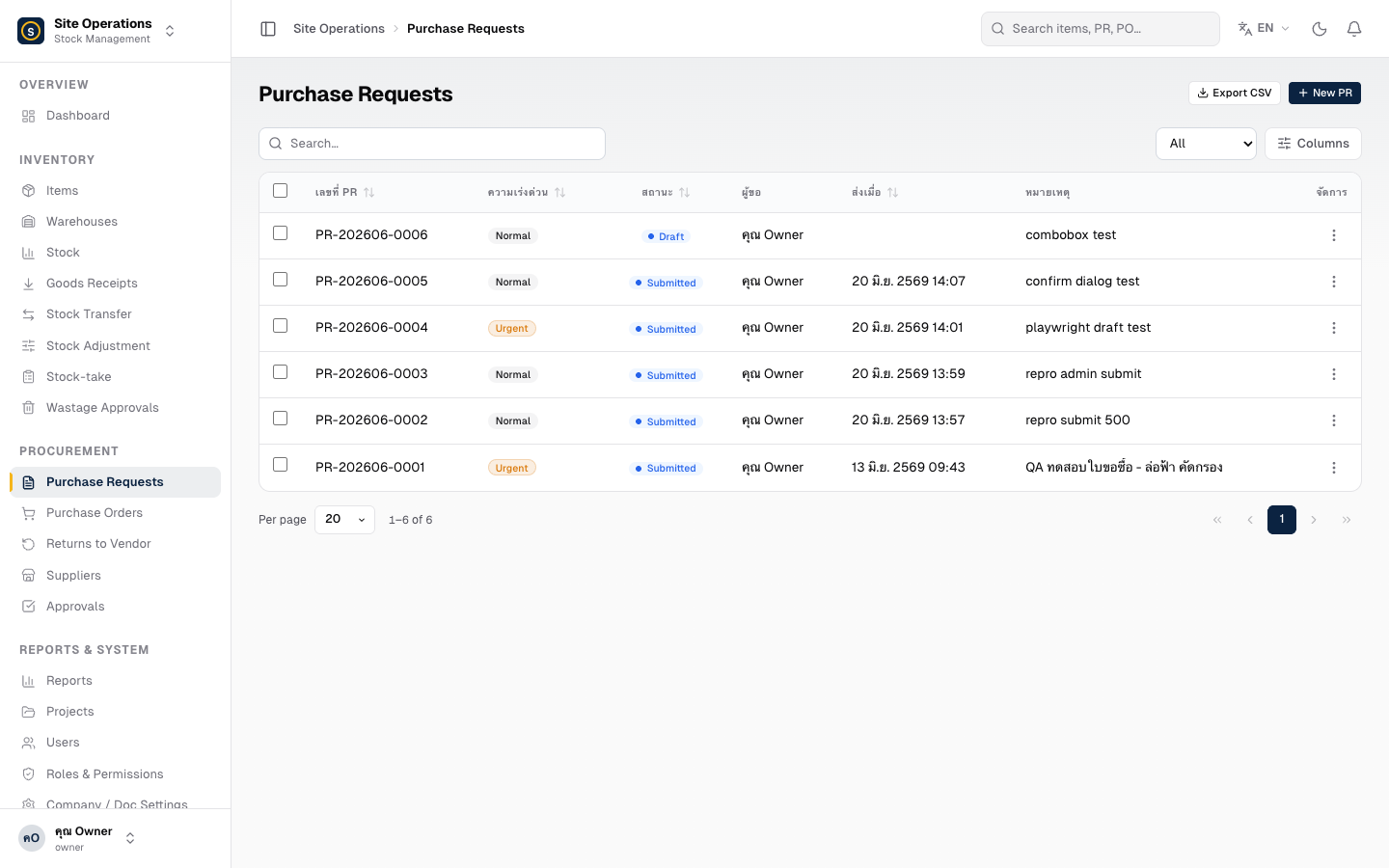
A Purchase Request (PR) is the starting point of every procurement cycle. Anyone with the appropriate role can submit a PR through the web app, and the system will instantly notify the designated approver via LINE.
Creating a Purchase Request
Section titled “Creating a Purchase Request”- Go to Purchase Requests (PR) in the left sidebar
- Click “Create Purchase Request” in the top-right corner
- Select the Project that requires the materials
- Select the Warehouse where the goods should be delivered
- Set the Urgency level — Normal / Urgent / Very Urgent
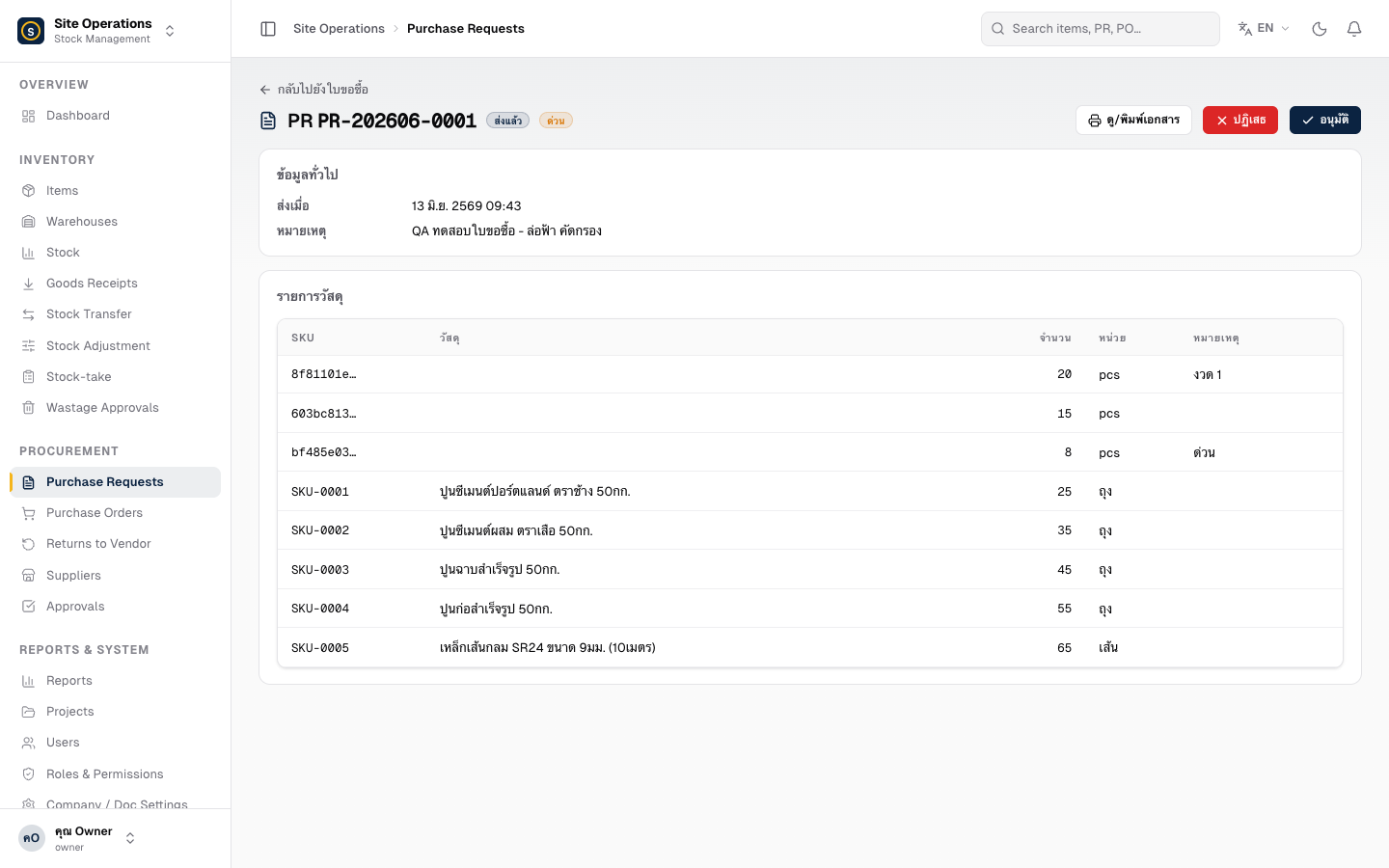
- Add line items:
- Type the item name in the search box → select the item from the results
- Enter the Quantity (whole numbers only)
- Repeat until all required items are added
- Add a Note (optional) — e.g. special requirements or a requested delivery date
- Click “Submit for Approval” — the system will show you a preview of who will receive a LINE notification before you confirm
Purchase Request Statuses
Section titled “Purchase Request Statuses”| Status | Meaning |
|---|---|
| Draft | Saved but not yet submitted — can still be edited |
| Pending Approval | Submitted and awaiting action from the approver |
| Approved | Approved and ready to proceed to a Purchase Order |
| Rejected | Rejected — view the reason in the PR detail page |