

Items / Materials
The Items / Materials page is the central catalogue for all items in the system. Use it to add, edit, and monitor the stock status of each material.
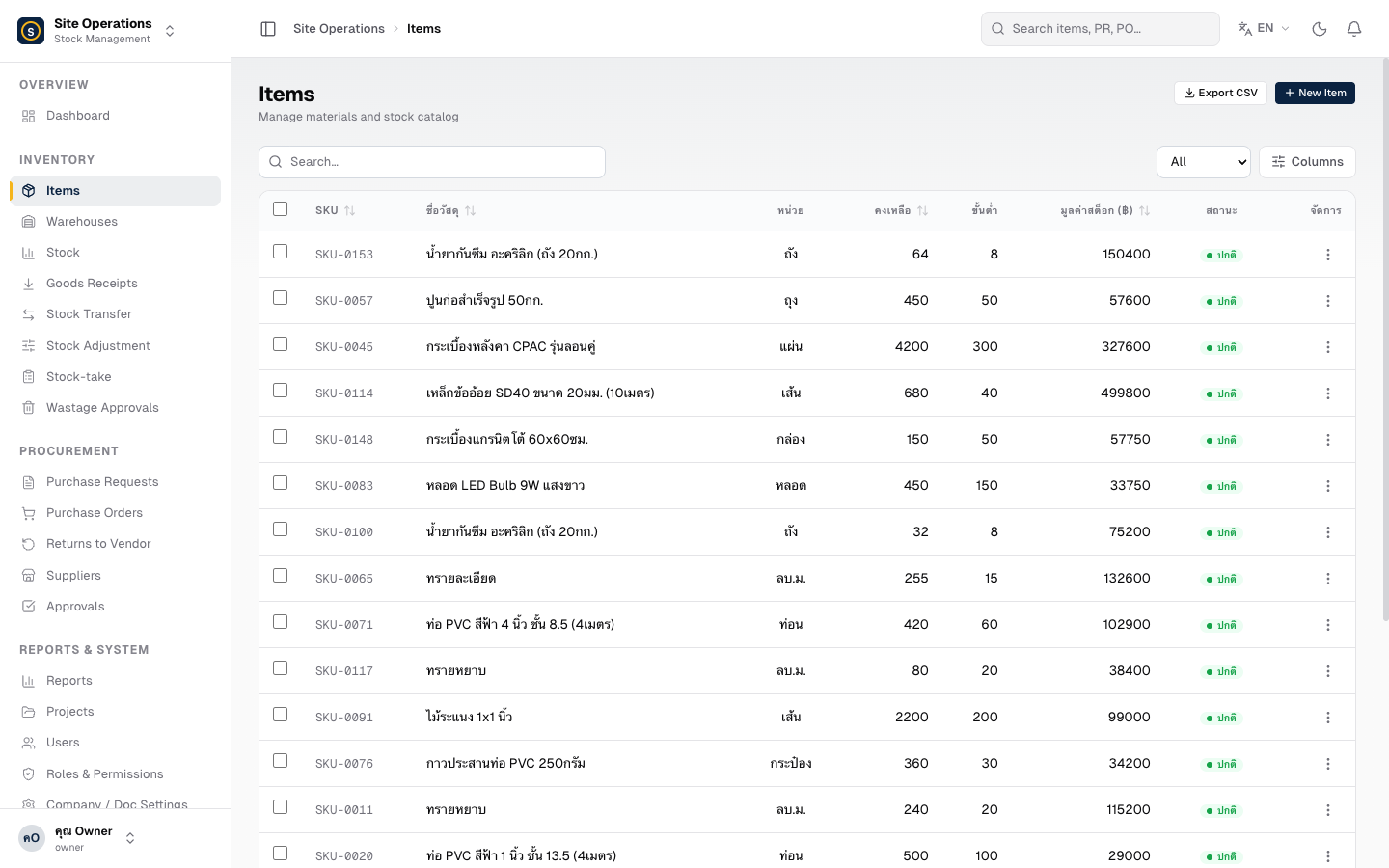
Steps — Add a New Item
Section titled “Steps — Add a New Item”- Go to Master Data → Items
- Click + Add Item
- Fill in the required fields
- SKU — unique item code (must not be duplicated)
- Item Name — the name used internally within the organisation
- Unit — e.g., piece, metre, kilogram, bag
- Reorder Point — when stock falls below this level, the system will alert you
- Standard Cost — the baseline cost per unit (used to calculate stock value)
- Click Save
Item Stock Status
Section titled “Item Stock Status”| Status | Colour | Meaning |
|---|---|---|
| Normal | Green | Balance is above the reorder point |
| Low Stock | Yellow | Balance is approaching the reorder point |
| Out of Stock / Below Reorder Point | Red | Order immediately |
CSV Import / Export
Section titled “CSV Import / Export”- Import: Click Import CSV and upload a file in the required format (download the template from the same page)
- Export: Click Export to download the full item list as a CSV file