
One system, end to end — a web console for the office, a mobile app for the site, and purchase-request / purchase-order approvals inside the LINE chat your team already uses. Cut stockouts, reduce losses, and control costs across every project.
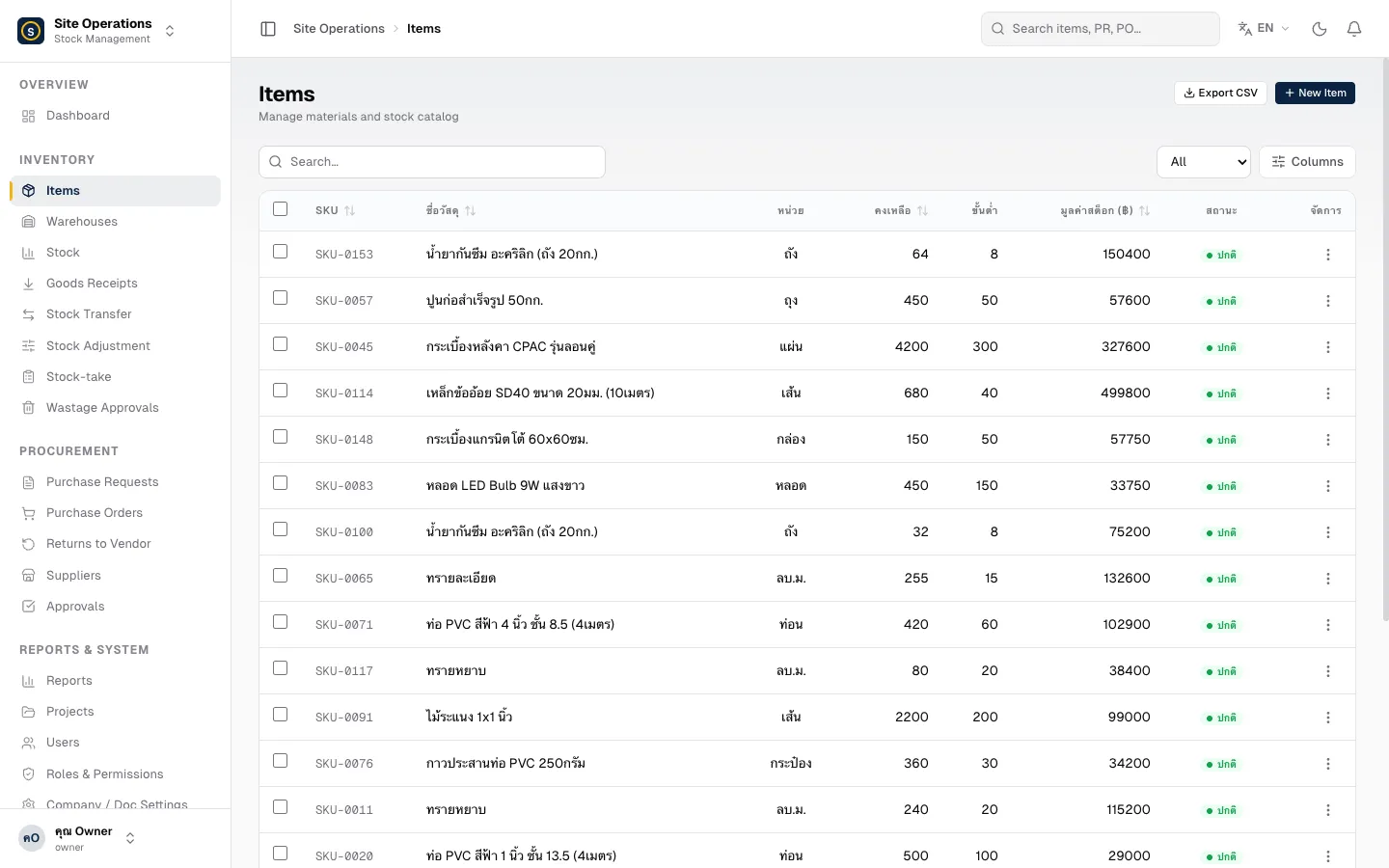
Three surfaces, one workflow
Procurement and accounting teams manage stock, issue purchase orders, and view full cost reports across all projects.
Site foremen receive goods, request stock, and run inventory counts from their phones — right on the job site.
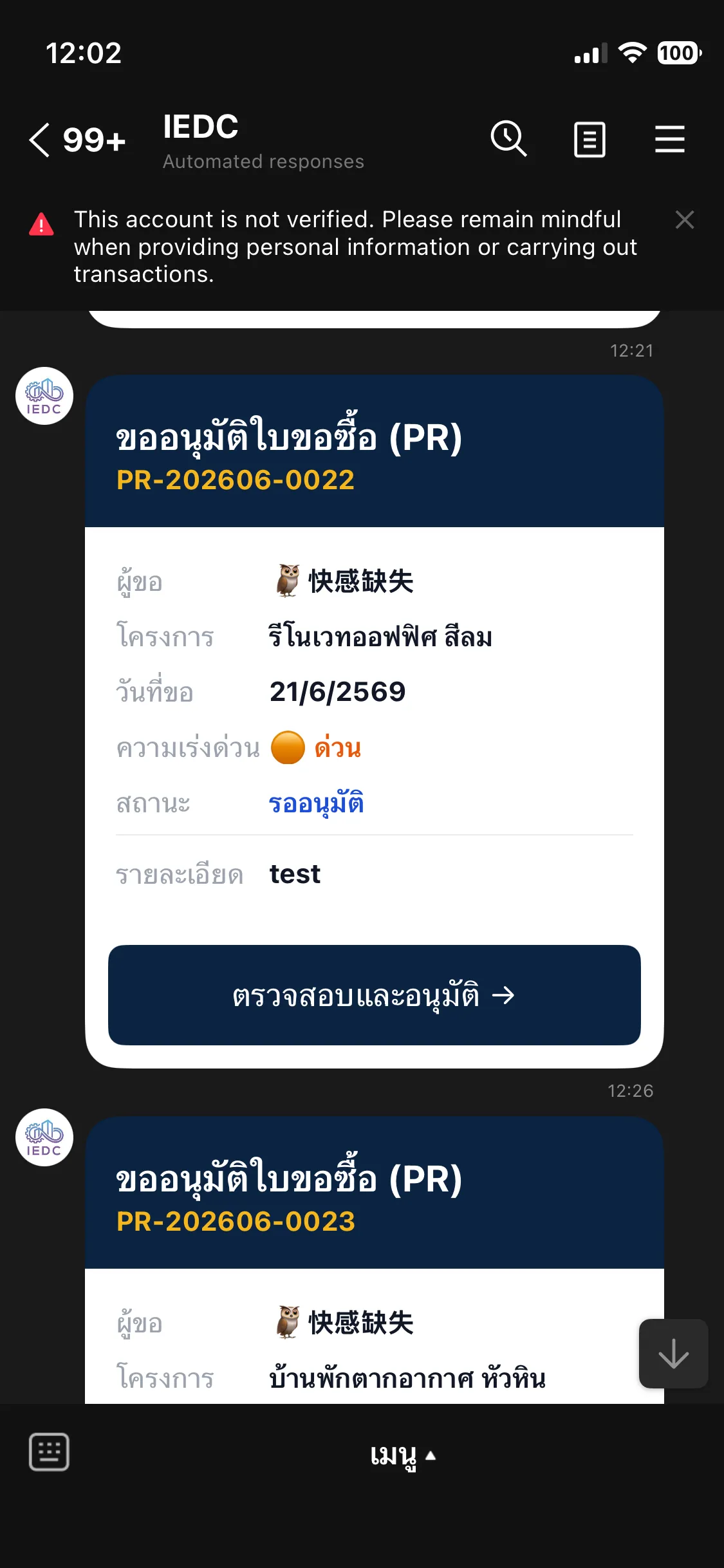
Owners and managers approve PRs and POs directly in a LINE chat. No laptop, no extra app.
Works inside LINE — where your team already isPurchase requests and orders are delivered directly to the approver's LINE — showing the project, total amount, and line items — so they can tap "Review & approve" instantly from their phone. Everyone gets notified the moment approval is granted.
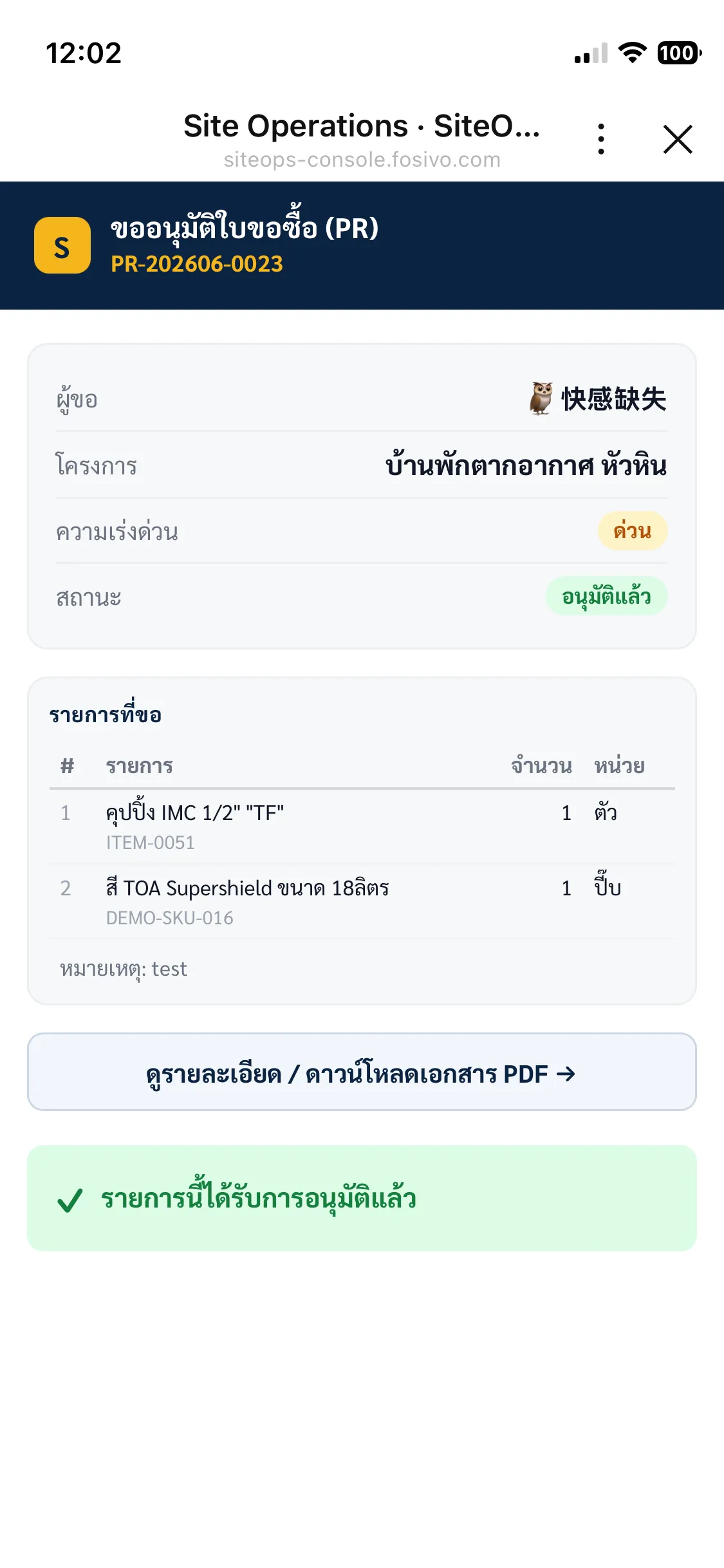
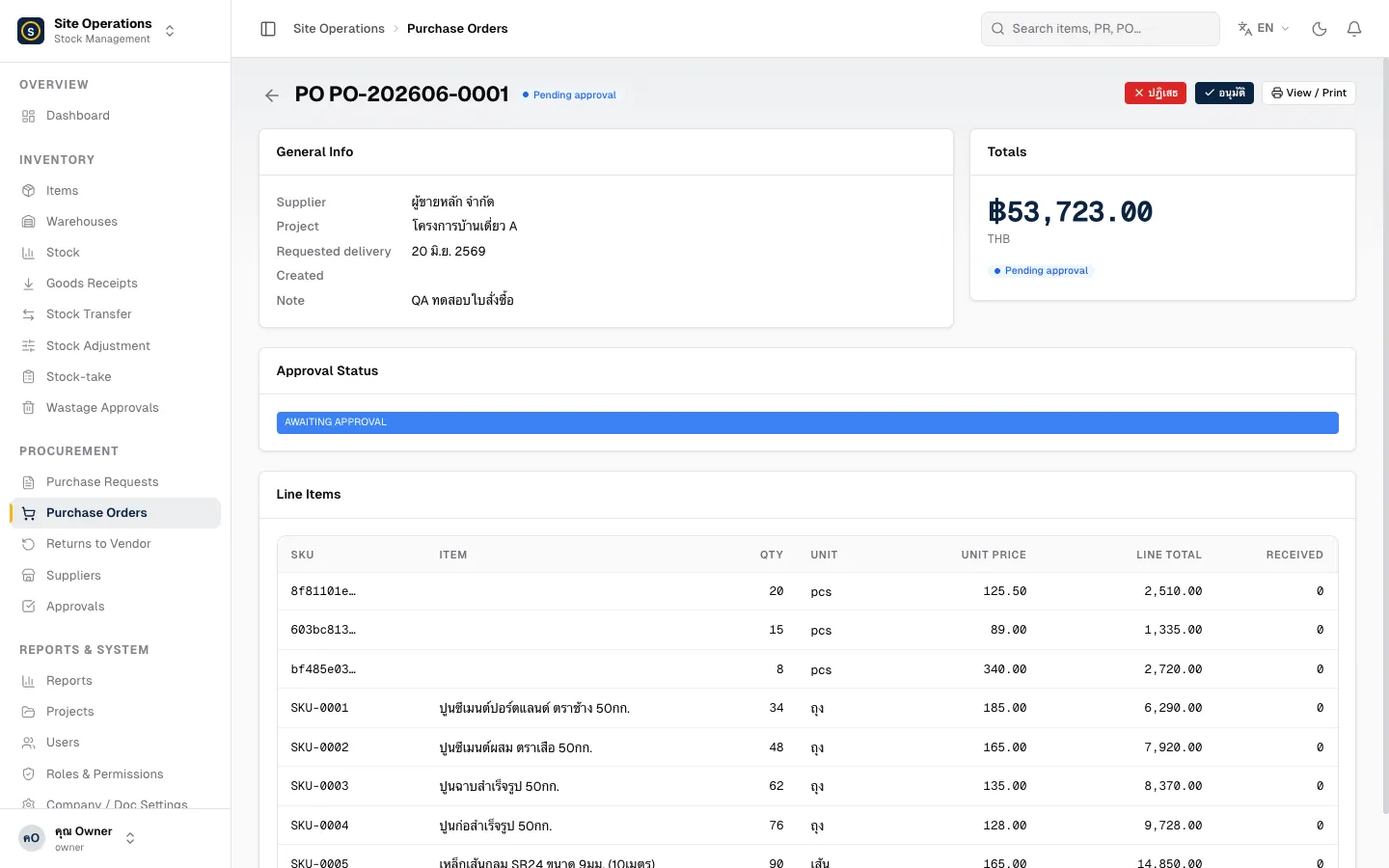
Raise a purchase request from the site, send it for approval, issue a PO to your supplier, receive goods into the warehouse, and process returns — every step linked and fully traceable.
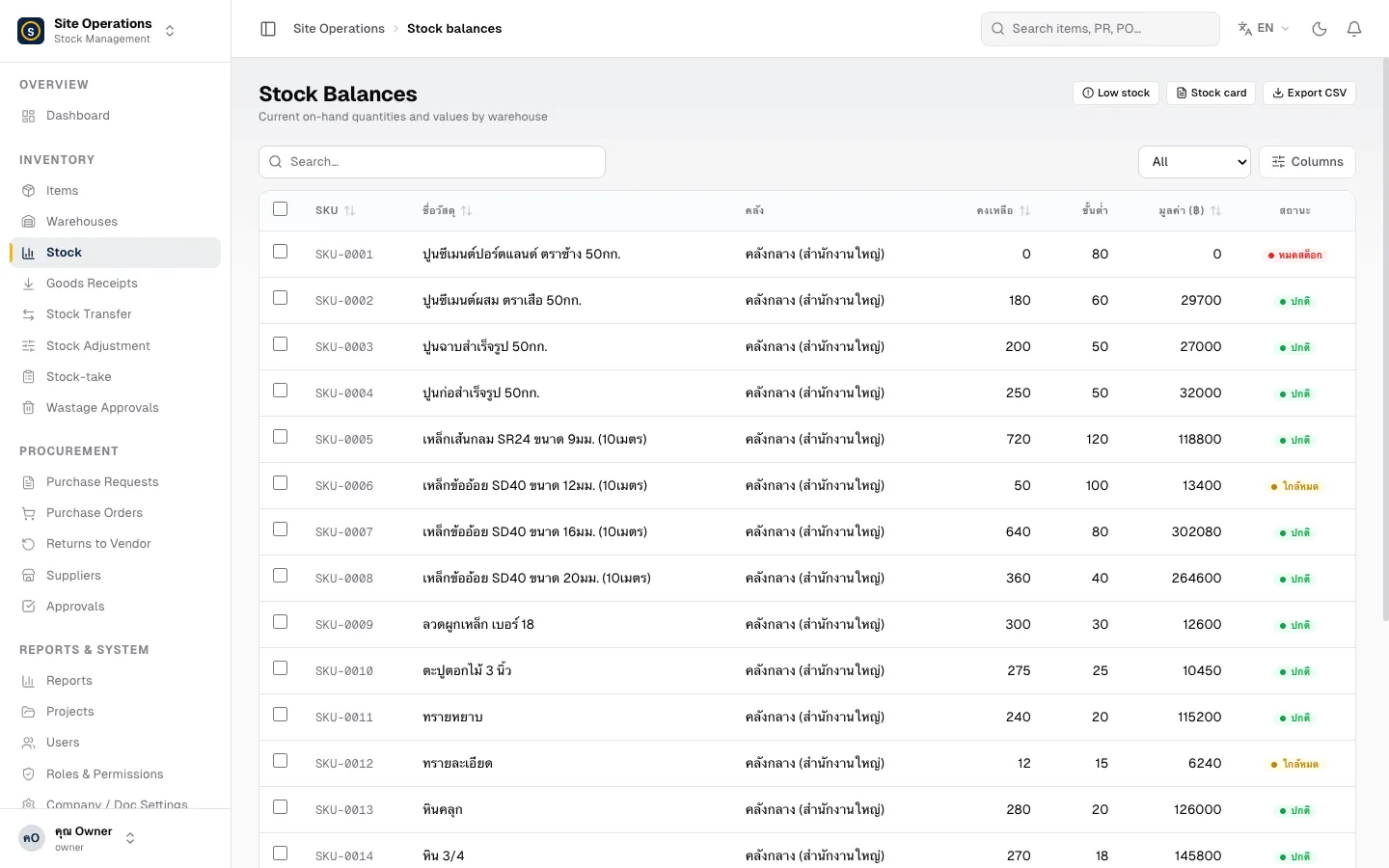
See the current balance of every material by warehouse, transfer stock between locations, make adjustments, run cycle counts, and get automatic alerts when anything runs low.
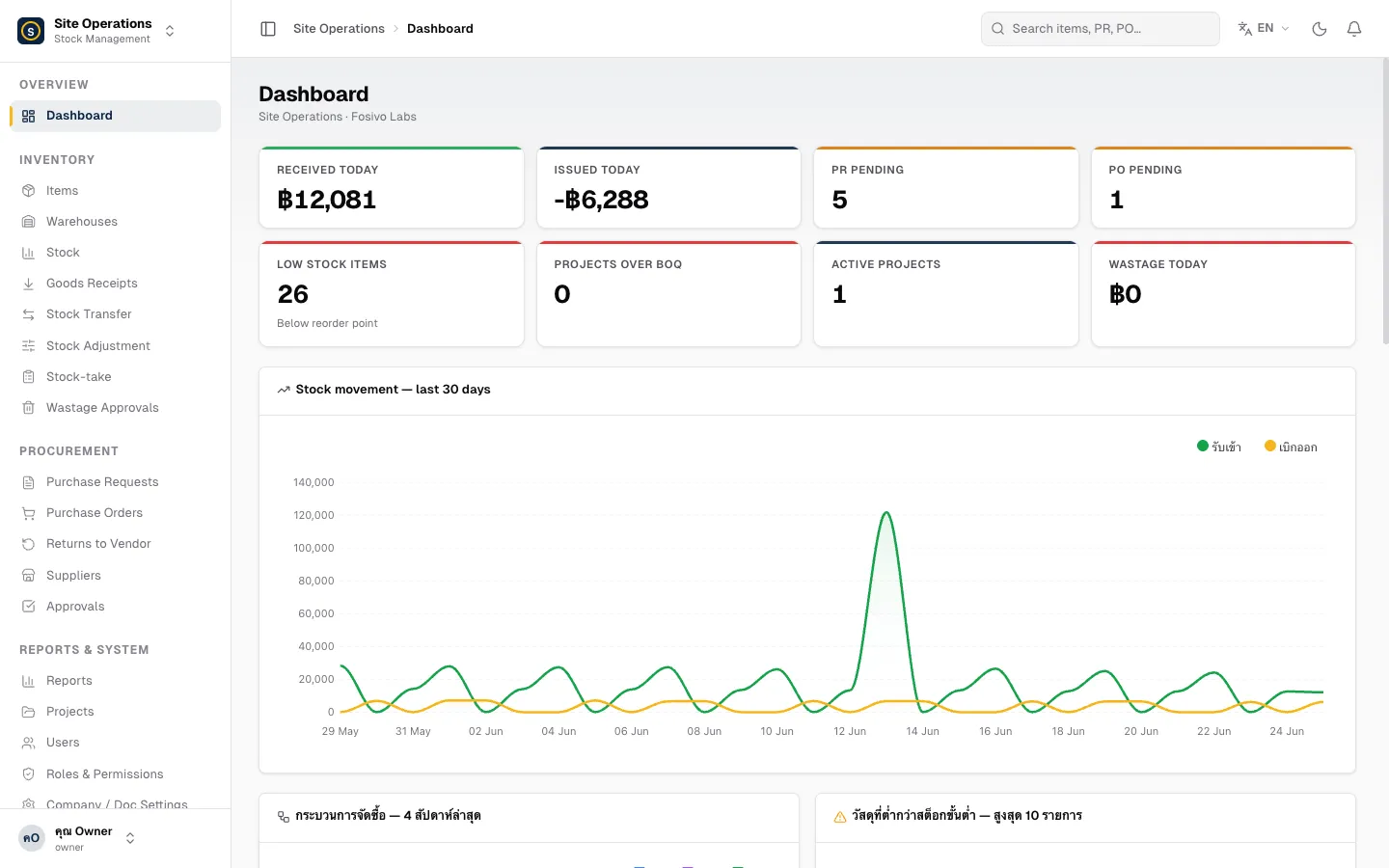
A dashboard summarising stock movements, pending PR/PO approvals, low-stock items, and cost vs. BOQ — plus in-depth reports: stock card, ageing, and project cost analysis.
The foreman requests materials from the site via the web or mobile app.
The manager or owner taps approve right inside their LINE chat.
Procurement issues the PO and sends it to the supplier.
Goods are received at the warehouse and stock balances update instantly.
Site foremen and crews will be able to receive goods, request stock, capture photo evidence, and run inventory counts from their phones — even with a weak signal. Launching soon.
See all featuresStart using SiteOps today — easy to set up, built for the whole team.